
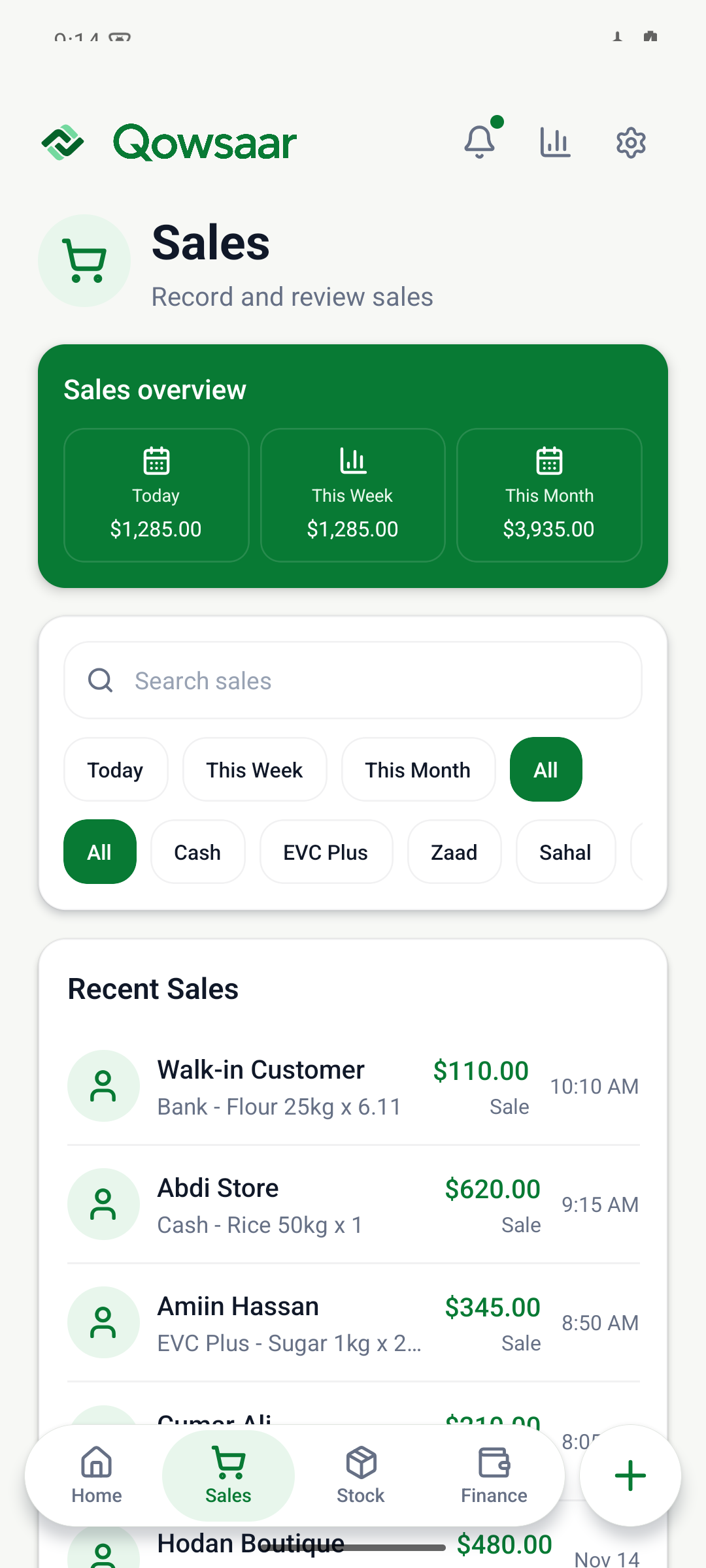
Record the details while they are fresh.
A busy day can include cash sales, a customer paying later, a supplier payment and small operating expenses. Keeping those details in separate notebooks or messages makes it harder to review what happened.
Qowsaar brings sales, expenses and balances into the same mobile app. The aim is a useful daily record that a shop owner or small business owner can check from their phone.
A simple routine for daily bookkeeping.
- Record each sale.
Keep the items, quantity, price and payment details with the transaction. If a customer has a balance to pay, keep that visible.
- Add business expenses.
Record spending such as transport or other operating costs in the relevant category while you still have the details.
- Review outstanding balances.
Check what customers owe and what you owe suppliers. A sale and the payment for that sale may happen on different days.
- Check the overview.
Look at sales, expenses, funds and profit together. Use the records to understand the day and spot entries that need checking.
At closing time, use the daily cash and mobile money guide and printable sheet to compare your records with the cash in the till and the balance on your phone.
Keep track of what a customer owes.
Suppose a customer takes goods worth $30 and pays $20. The sale is $30, the payment received is $20 and the outstanding balance is $10. When the customer pays the remaining $10, record the payment against the original balance.
For an example you can check against a receipt, see how cash and credit sales change your shop records.
Connect bookkeeping with stock and projects.
For a shop, a sale also affects inventory. Explore stock and sales tracking to see how quantities, costs and prices relate to the business record. If you also do construction work, the building project preview keeps costs and client billing with the job.
You can try a paid sale and an expense in the guided demo today. It uses fictional records, requires no account and makes no real transactions. Public store links for the iPhone and Android app will be added when available.
Try the bookkeeping demo