
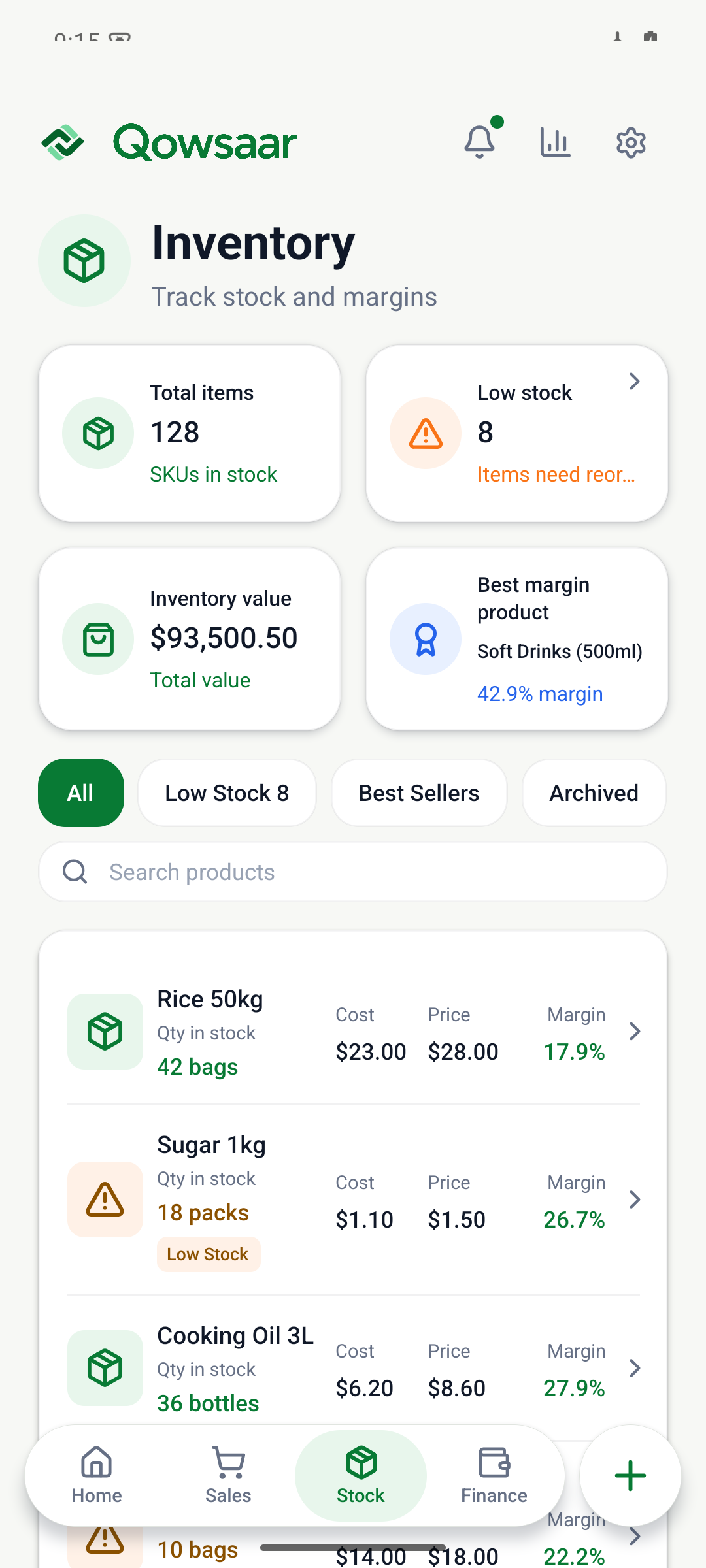
Keep useful product records.
When a customer asks for an item, you need a clear view of what you sell and what is available. Qowsaar’s stock view brings product quantities, costs and selling prices together. You can review your stock records while serving customers or planning what to buy next.
It is designed for everyday product businesses such as small shops and traders, where the owner often handles both selling and stockkeeping.
What should you track for each product?
| Detail | Why it matters |
|---|---|
| Product name and unit | Identify the item and whether you are counting pieces, bags or another unit. |
| Quantity | Check the recorded amount available and compare it with a physical count. |
| Cost | Keep the purchase cost visible when reviewing your products. |
| Selling price | Know the price used when recording a sale. |
| Sales | Follow which items left the shop through recorded transactions. |
See stock change when you record a sale.
The Qowsaar homepage includes a fictional shop with 42 bags of rice. Record the example sale of one bag for $28 and the quantity becomes 41. Business funds also increase by the payment received.
The bag leaves the shelf even if the customer pays next week. Compare the stock and cash figures for both sales. A regular physical count helps you check that the quantity on your phone matches what is in the shop.
Try the stock exampleMaterials for a building project are a separate movement.
A trader who also takes on construction work may move materials from a shop to a site. The building project preview shows a workflow for sending materials, recording what the job uses and returning what is left. Sending stock to a site is different from selling it to a customer.
Explore the wider mobile ERP workflow or learn about sales, expenses and customer balances. Qowsaar is being prepared for public release on iPhone and Android; the browser demo is available now with fictional records.
